Have you ever tried building a product by yourself? The five to nine after the nine to five. A small app, a game, a tool for that one annoying problem, something to show friends. A few years ago, before AI was everywhere, this was tough. Research, design, specs, code, assets, deploy. Most ideas died in a notebook.
Now I can turn ideas into actual products in days. Sometimes hours. Big projects still take time, but AI handles a lot of the heavy lifting. It fills gaps, does the boring work, and leaves me energy for the parts I enjoy.
I am hooked on this way of working. AI is not here to replace creativity. It boosts it. Faster, more experimental, more output. Here is how I use it from the spark of an idea to the moment I hit deploy.
Docs without the pain
Every product starts with an idea. Then you need notes, requirements, specs, flows. That is where my side projects used to die. Now I give AI my messy notes and ask it to expand them. Pros and cons, a starting PRD, even technical specs if I want them. I can ask it to tighten a section or sound more professional if I am sharing with colleagues.
What used to take days now takes minutes. I do not fight formatting. I get something workable and move.
Design without a design degree
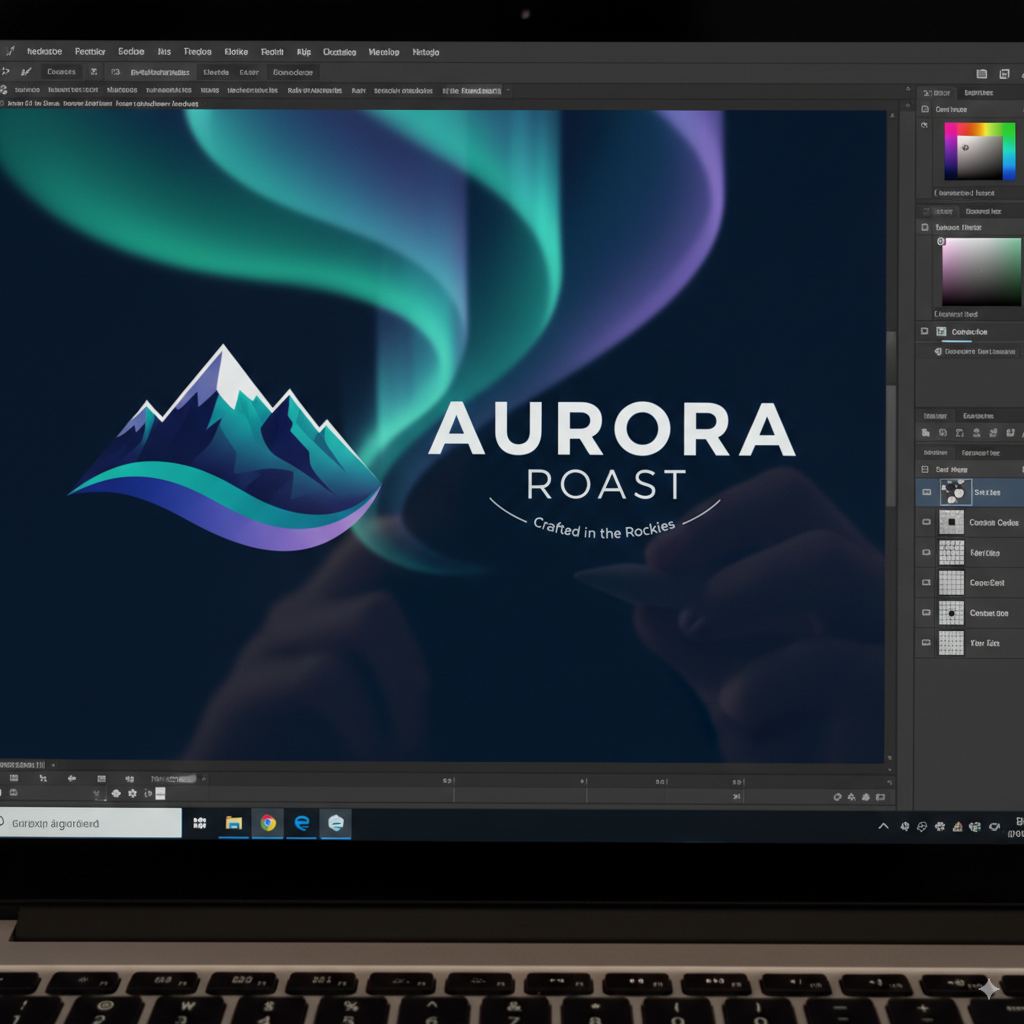
Layouts, themes, logos, icons. Overwhelming if that is not your job. I ask for layout ideas, palettes, mockups. Logos in seconds. Icons without a stock-site rabbit hole. The output is not perfect. It is good enough to start. What used to eat an evening now fits in a coffee break.
Coding with AI as a partner
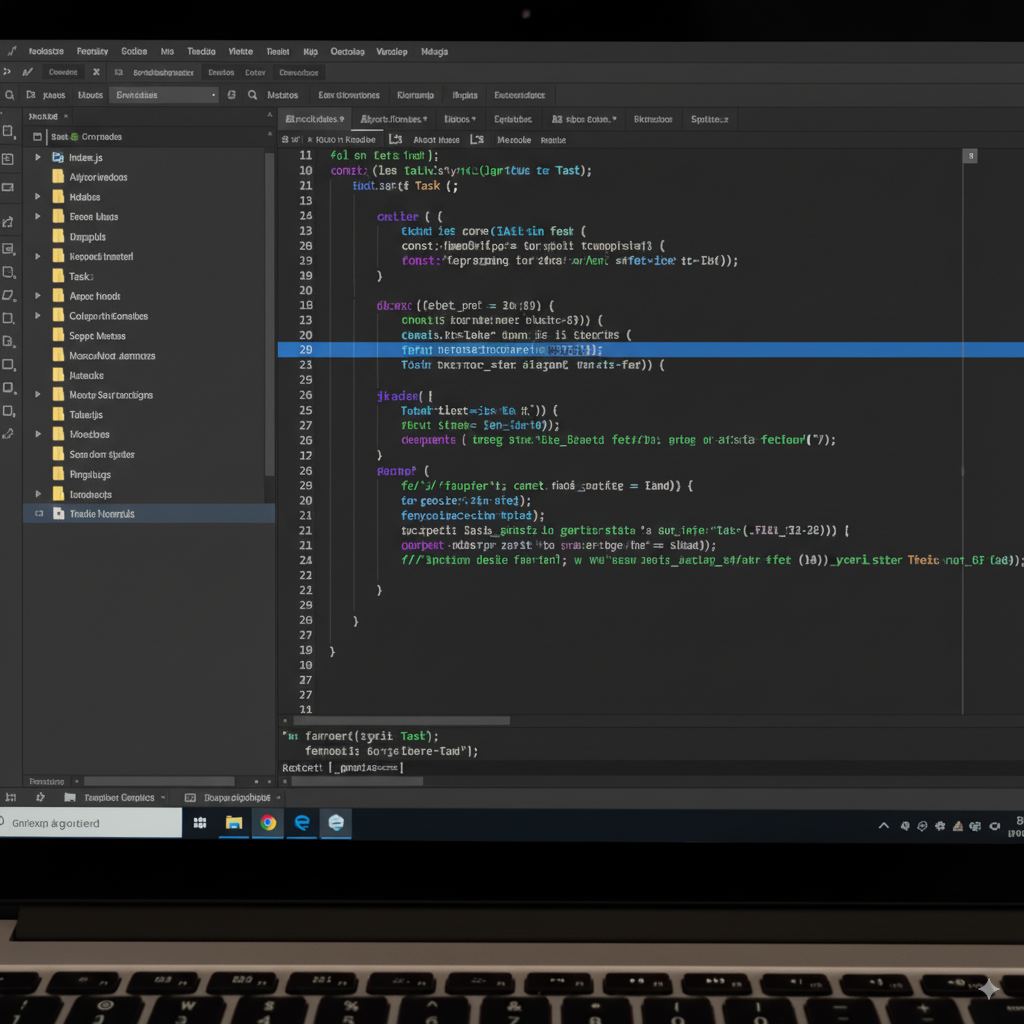
This is my favorite part. Coding used to mean boilerplate, endless debugging, building a structure from scratch. With tools like Cursor, Codex, Claude, or Gemini, I feed in the docs and the design and let it scaffold. Skeleton code, file structure, some of the tricky logic. I step in to polish. A lot of the grunt work is already done.
It is not flawless. CSS comes out awkward. Features break. Debugging is easier too. I paste the error, try the fix, go again. I still get my hands dirty. It feels more like supervising than grinding.
For side projects I do not stress much about enterprise-grade security. Work products need real review. When I am building for myself, the goal is learning and shipping something I can use.
Why side projects matter
They belong to me. No executives, no stakeholder theater, no fake deadlines. I get to be the boss, the designer, the engineer, and the marketer at once. That freedom is the fun. Sometimes it turns into more. I built a small AI-powered game for myself. My manager liked it enough that it landed on the company roadmap. That is the kind of accident I like.
Building to solve my own problems
Not all of it is glamorous. A lot is a small tool that saves me time or replaces something I would otherwise pay for. Why pay for a to-do app when I can build one on a weekend? Hosting can be free. The only tool I paid for is Cursor, and it has been worth it. Plenty of free options exist if you are just starting.
The bigger picture
There is a lot of talk about AI replacing jobs. My view is different. AI will not replace people. It will replace people who refuse to use it. If you stick to old workflows while others move five times faster, that is when you fall behind.
For me it is not about becoming the best designer, coder, or marketer. It is about being versatile enough to make something real. Start small. Let AI help with the docs, the interface, the scaffold, the deploy. You will learn faster than you think.
Closing
That is the loop. Idea, docs, design, code, debug, deploy. Games, apps, tools. Some stay personal. Some grow. What matters is the fun. Side projects feel like experiments again, not chores. We are still early. If you want to keep up, start building. Your next weekend project might be the one that changes the rest of the week.