
AI, AI, AI. If that word had a dollar on every mention, we would all be retired. It is the buzzword for 2024, 2025, and probably whatever year you are reading this. Fair enough. It is not tucked inside tech anymore. It leaked into almost everything.
I am not a doctor, a farmer, or a chef. I am in tech, so I can only talk about how it changed my work, how I create, and how I think about speed. I use tools and agents that save me time, push my ideas, and sometimes surprise me with how well they land.
If someone says they are not using AI at all, I wonder if they are still filing email by hand. It is everywhere. The trick is using it so it boosts the work instead of making more of it. It does not do my job. It does not replace the thinking. It is a turbo button. With the right tools and a little patience, I can do two, three, sometimes ten times more than before.

Sometimes that feels like cheating. If it helps and the result is good, I am not fighting it. My other note is about using AI to build products. This one is about how I use it, and what I actually reach for.
Why automation came first
Before image toys or coding assistants, I got obsessed with automation. If I am repeating the same action every day, I want a system that does it. That is n8n for me. A quiet assistant that follows instructions. Workflows for reminders, replies, email, WhatsApp, Telegram.
It sounds small. Multiply those small things over months and it is not small. I run n8n locally on Docker. No subscription, no surprise charge at midnight. Just a laptop and a pile of workflows that save hours. Once you taste that, you do not go back.
The hit of a good prompt
Early AI output was slop. Ask for a blog post, get something that sounded like a bored alien who skimmed Wikipedia. Now these tools write usable emails, prototypes, structured docs, sometimes a whole app from one prompt. Not always perfect. When it works, it is a clean hit.
Prompting is the skill
If you have been frustrated by bad output, it is often the prompt. Garbage in, garbage out. "Build me a to-do app" gets a high school assignment. "Build me a to-do app with auth, local storage, categories, and drag and drop" gets something you can actually open.
It is not magic. It is detail. The more you practice, the better you get. I treat prompt writing like a real skill, the way people used to learn SQL or Photoshop. Getting good at it pays off.
Brainstorming partner
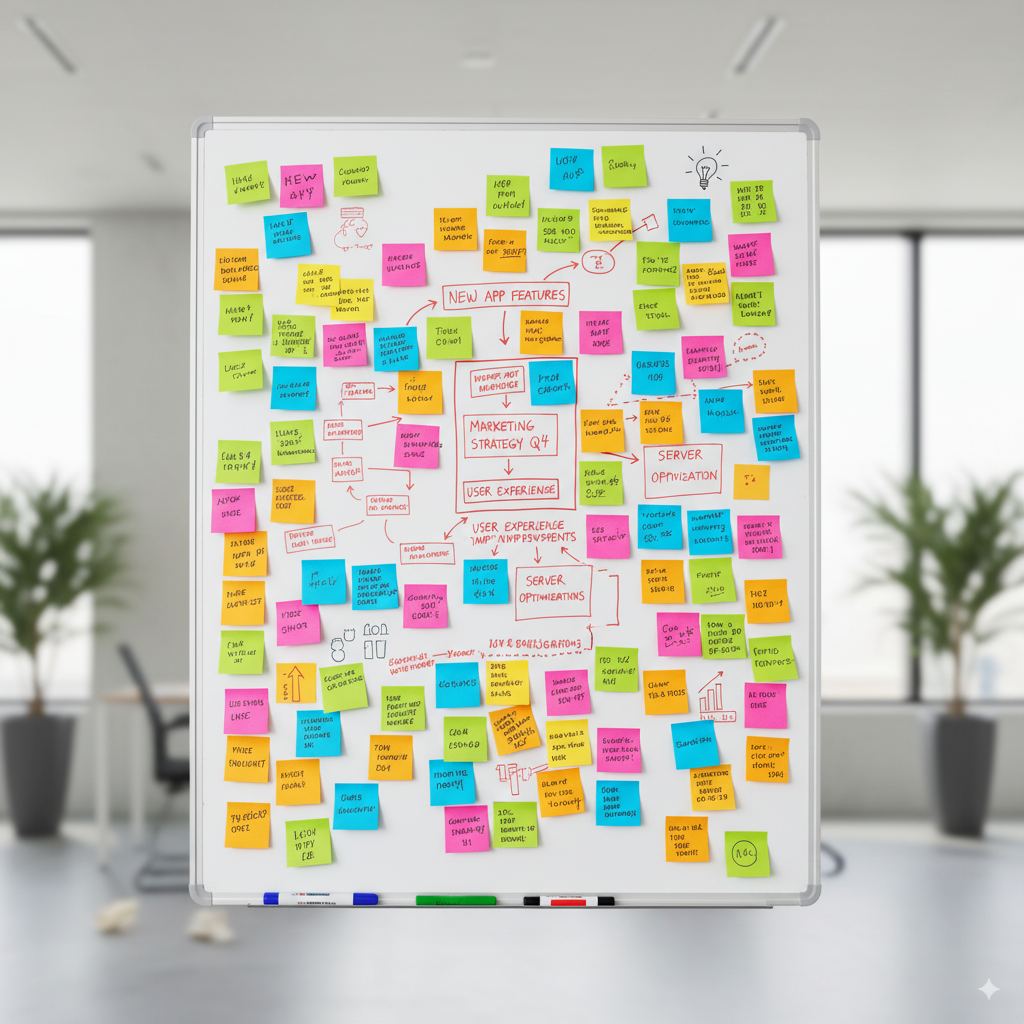
ChatGPT, Perplexity, Gemini. New project, competitor scan, a workflow that will not run. They are not right every time. If I get 80 to 90 percent of the value, that is a massive boost. A mentor who does not get tired of "what if." For docs I throw in bullets and let it draft. I have almost stopped scrolling social for ideas. This sink actually makes me sharper.
The creative playground
Midjourney, Nano Banana, Google's V3. I imagine something, generate it, tweak it. Sometimes I animate it. Sometimes I just look at it and think, that is cleaner than what I had in my head. Video is another level. Midjourney can animate. V3 is consistent in a way older tools were not. Cling and Seedance are fun too. I do not always use this for work. Sometimes I just make random assets because it feels good. Doodling, basically.
Coding with agents
This is where my workflow really changed. ChatGPT first, too many hallucinations. Then Claude, great for programming for a while. Lately my combo is a strong GPT model plus Cursor. Cursor reads the project and suggests structured changes. Unlike Copilot, the agent can restructure a codebase, add files, stand up an app. It feels like cheating. It also works.
I do not trust it blindly. If you are shipping to production, read what it changed or you will spend more time fixing than making. As a boost, Cursor plus a good model has been the biggest shift for me.
The rest of the pile
NotebookLM, Julius, Anthropic tools for research and data. Some need more babysitting. The theme is the same. Most of this is free or has a generous free tier. Students and curious people can start without spending. If you are serious, some pro versions are worth it. Cursor's paid plan was my best spend.
It is not replacing us
People love saying AI will take the jobs. I do not buy the version they mean. It is not here to replace me. It is here to level me up. The models improve, I improve with them. Learning this has been the most fun skill I have picked up in years.
So start. Automate something tiny. Write a prompt. Generate an image. Build a workflow. You do not need a company to train you. The tools are here, a lot of them free. The only real barrier is curiosity. The future belongs to people who work with this stuff, not against it. And the sooner you start, the sooner it stops feeling like a threat and starts feeling like extra hands.